
Ascii Art Generator

TechVisuals
2023/11/30Table of Contents
What I Made
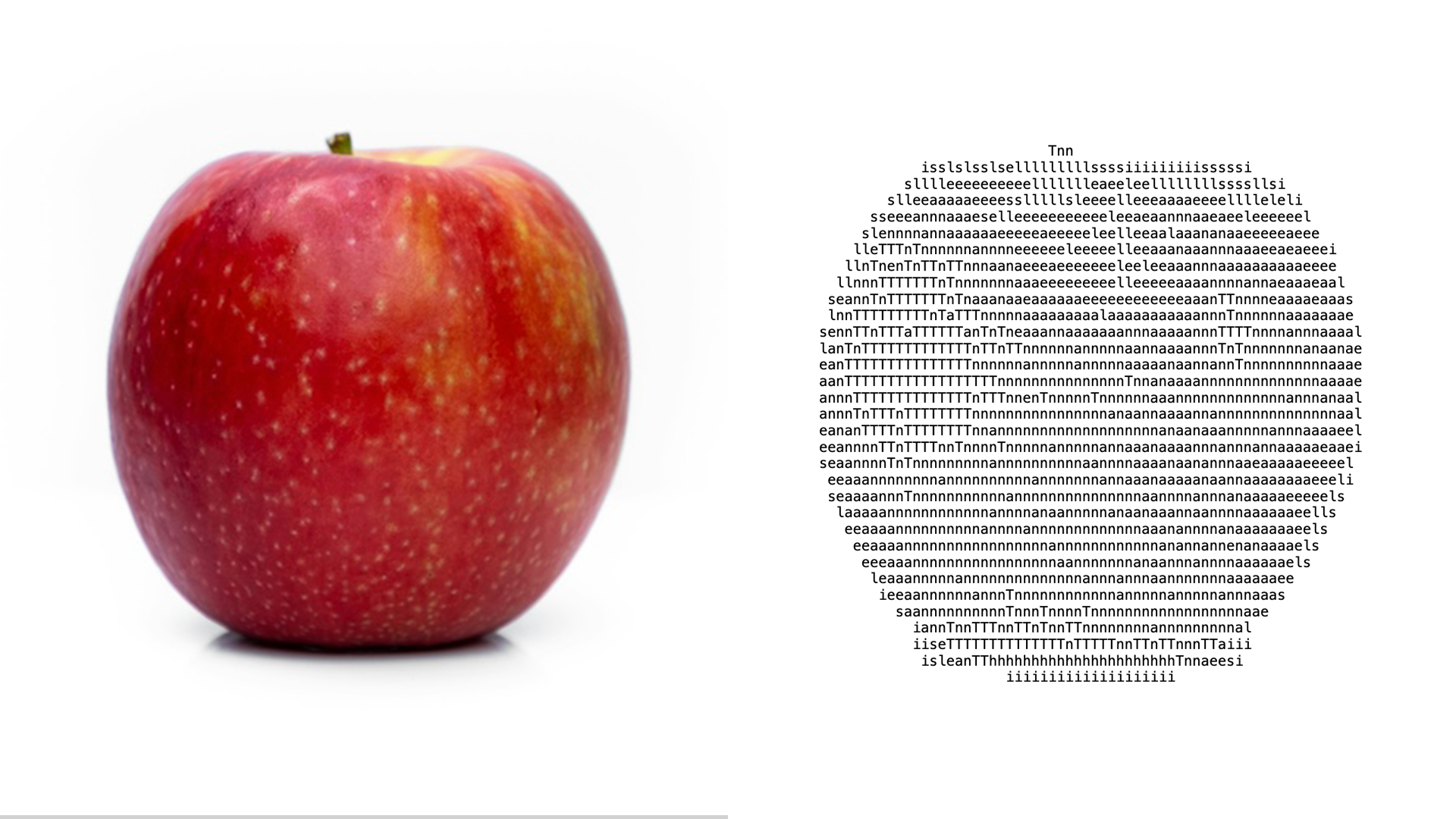
ASCII art is a culture that defined an era of the Japanese internet.
I implemented a program in HTML/JavaScript that lets anyone create ASCII art from any text and any image.
For example, choose an image of an apple like this one,
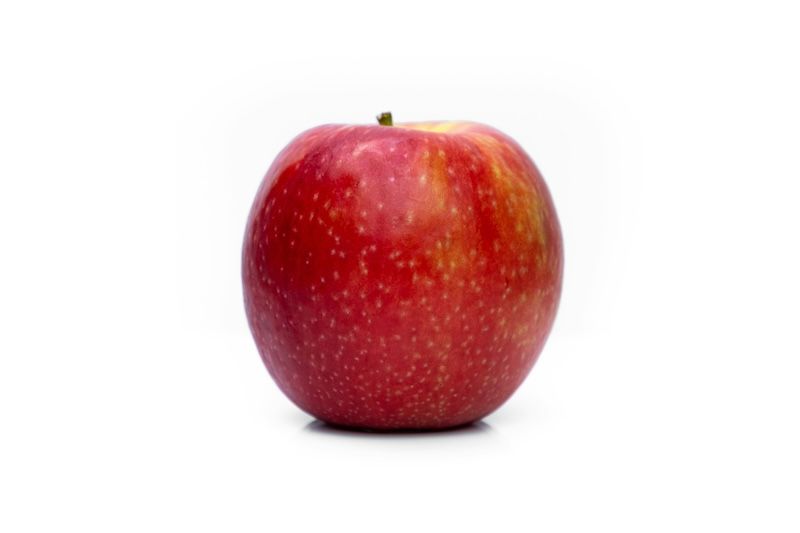
and type "This is an apple" into the text area…
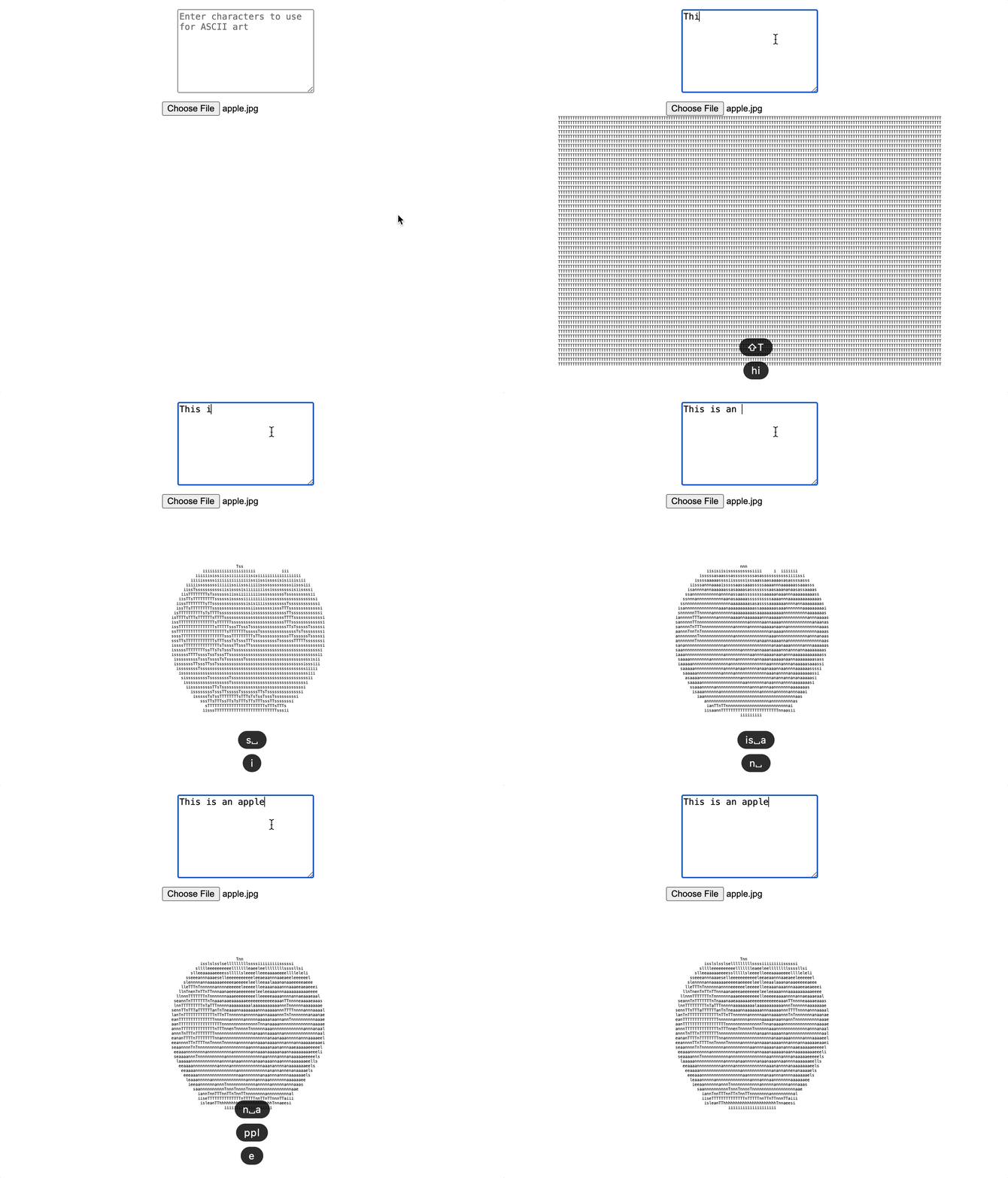
and the apple is drawn as ASCII art using only the characters contained in the phrase "This is an apple."
If you zoom in and look reeeally closely…
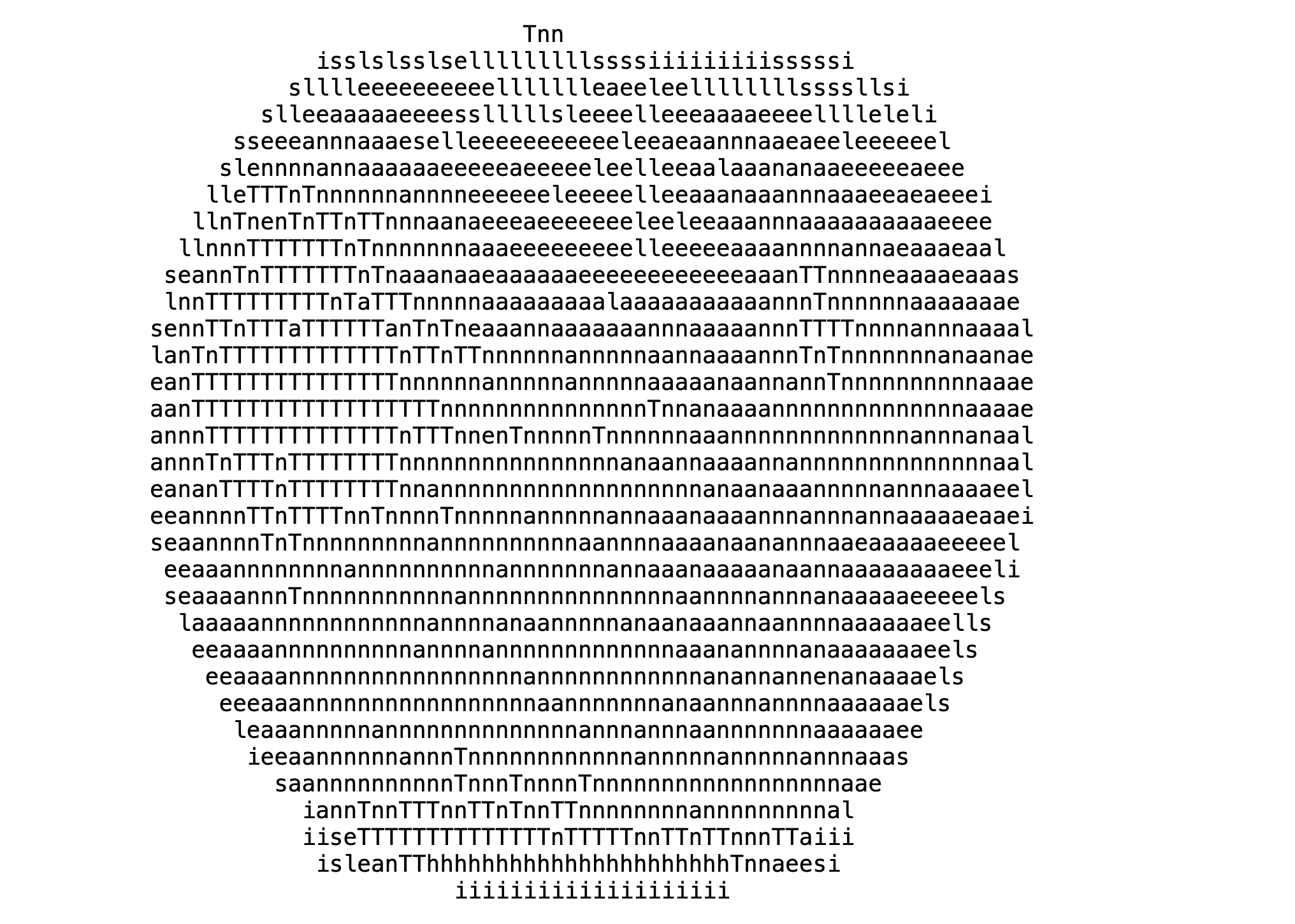
Sure enough, it only uses characters from "This is an apple."
How It Works
It works through the following steps.
- Remove duplicate characters from the user's input and sort the characters by brightness (= density)
- The user selects an image
- Since we need the image's bitmap data, create a canvas and draw the image on it (the canvas itself is not displayed)
- Read the pixel data from the virtual canvas created in step 3 and, using the characters sorted in step 1, place bright characters in bright areas
Step 1: Sort the Given Characters by Brightness
function getSortedCharactersByBrightness(characters) { const canvas = document.createElement('canvas'); const ctx = canvas.getContext('2d'); const brightnessValues = []; canvas.width = 100; canvas.height = 100; for (let i = 0; i < characters.length; i++) { ctx.fillStyle = "white"; ctx.fillRect(0, 0, 100, 100); ctx.fillStyle = "black"; ctx.font = "80px serif"; ctx.fillText(characters[i], 10, 70); const imageData = ctx.getImageData(0, 0, 100, 100); let darkPixels = 0; for (let j = 0; j < imageData.data.length; j += 4) { const r = imageData.data[j]; const g = imageData.data[j + 1]; const b = imageData.data[j + 2]; if (r < 128 && g < 128 && b < 128) { darkPixels++; } } brightnessValues.push({ char: characters[i], brightness: darkPixels }); } brightnessValues.sort((a, b) => a.brightness - b.brightness); return brightnessValues.map(val => val.char).join(''); }
As shown above, we create a canvas (not displayed on screen)
and draw each character on it at a large size.
Illustration: drawing the "T" from "This is a pen" on the canvas

We then scan every pixel on this invisible canvas and add up the brightness of the colored area (the sum of the R/G/B channels). This gives a total "brightness" value for each character, so we sort the characters from brightest to darkest.
For example, if the input is "赤い花" ("red flower"), the brightness of each character, "赤," "い," and "花," is
- 赤: 1388
- い: 592
- 花: 1513
so the characters are ordered by brightness as "花" → "赤" → "い."
Steps 2–3: When the User Selects an Image, Draw It on an Invisible Canvas and Calculate the Brightness of Each Pixel
Just as we drew each of the user's characters on an invisible canvas in step 1, we draw the selected image on an invisible canvas, scan every pixel, and calculate its brightness.
Step 4: Rebuild the Image Using the User's Text
For each pixel of the image, we draw the character whose brightness
is closest to that pixel's brightness.
Demo
It's uploaded to CodePen, so anyone is free to try it out.
The source code is also free for anyone to use.